DataTables Admin Template
Admin template using DataTables
AdminKit PRO's table pages use DataTables 3 without jQuery: sorting, paging, search, responsive columns, buttons, row selection and fixed headers.
AdminKit PRO includes DataTables 3 examples styled for its Bootstrap 5 interface, in light and dark mode and without jQuery. Use them for searchable customer lists, order tables and reports, then connect the table to your application’s data.
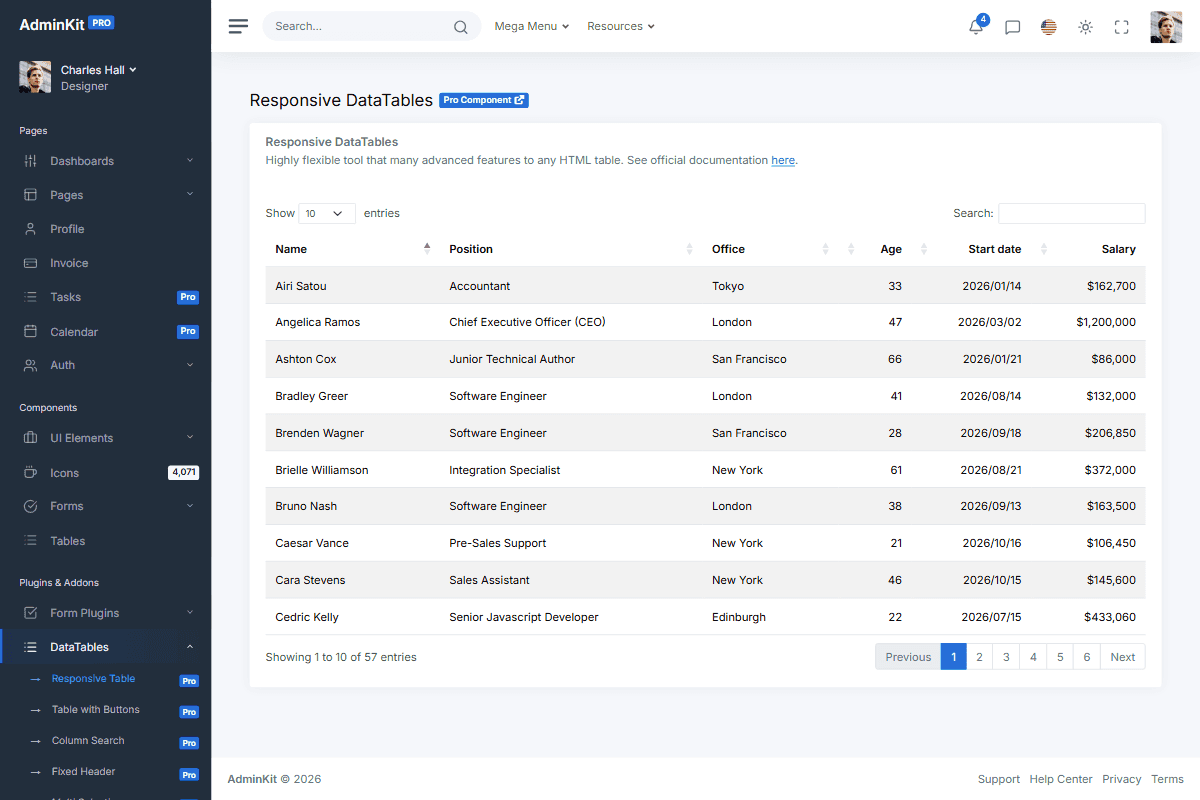
DataTables examples included in AdminKit PRO
Choose the example that matches the interaction your users need:
- Responsive tables adapt columns to the available width.
- Tables with buttons demonstrate copying and printing table data.
- Column search adds a search field for each column.
- Ajax tables demonstrate loading rows from a data source.
- Row selection lets users select multiple rows.
- Fixed headers keep headings visible while scrolling.
These are interface examples. Replacing sample rows, validating requests, enforcing permissions and implementing actions on selected rows are part of your application.
Connect a table to your data
For a small table, render your rows into valid HTML with a header and body, then initialize DataTables using the matching AdminKit example. For data loaded after the page opens, use an Ajax source and map the response fields to your columns.
An Ajax source alone does not enable server-side processing. If your dataset needs server-side paging, filtering and sorting, implement those operations in your API and configure DataTables to use them. The DataTables server-side processing guide describes its request and response format. Check access permissions on the server and escape untrusted values before displaying them.
Dependencies and styling
AdminKit PRO 4 bundles DataTables 3.1 with its Bootstrap 5 styling and the Buttons, Responsive, FixedHeader and Select extensions in js/app.js, so a table page needs no extra script. There is no jQuery in the build: the examples create each table with the DataTables API and use DOM APIs for the rest.
new DataTable("#datatables-responsive", {
  responsive: true,
});
Code written for AdminKit PRO 3.x called $("#table").DataTable(options) on DataTables 1.13 with jQuery. Replace it with new DataTable("#table", options); if your own scripts still need jQuery, load it yourself before js/app.js. The DataTables 3 manual covers the options and API.
The tables follow the light and dark color mode, and the Ajax example shows a skeleton until its rows load. If you need ordinary static tables without search or pagination, start with the Bootstrap table example, which is in the free version too. See AdminKit pricing and licenses for the PRO package or the free demo to compare.
Updated:
Reusable UI elements
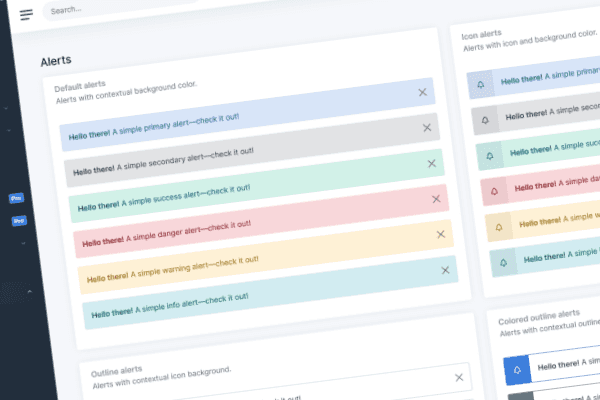
AdminKit PRO has 53 pages for dashboards, client pages, calendars and advanced forms, with integrated charts, tables and notifications.
Integrated JavaScript plugins
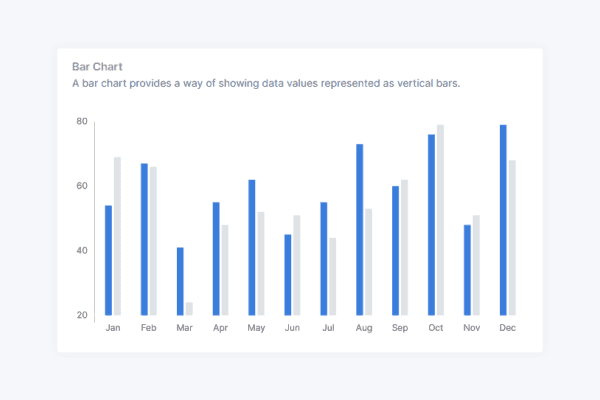
AdminKit PRO wires up 11 plugins: charts, calendars, date pickers, drag and drop, input masks, rich text editing and tables, styled for light and dark mode, none of them needing jQuery.
// Colors
$blue: #266ed8 !default;
$indigo: #0a0a0a !default;
$purple: #6f42c1 !default;
$pink: #e83e8c !default;
$red: #da2839 !default;
$orange: #fd7e14 !default;
$yellow: #fcb92c !default;
$green: #138161 !default;
$teal: #20c997 !default;
$cyan: #127d8e !default;
Branding and customization
With its Bootstrap 5 elements and configurable Sass variables, you can match AdminKit to your existing design system and HTML components.
AdminKit has reached 40,000+ free downloads
“Everything is so properly set up that any new additions I'd make would feel like a native extension of the theme versus a simple hack. I definitely feel like this will save me hundreds of hours I'd otherwise spend on designing.”
Frequently asked questions
Answers to common questions about AdminKit.
What does DataTables add to AdminKit's tables?
The AdminKit PRO examples add pagination, search, sorting, responsive columns, copy and print buttons, row selection and fixed headers to dashboard tables.
Can I use DataTables on my own tables?
Yes. Start with a valid HTML table with a header and body, then initialize DataTables. Your application supplies the rows or an Ajax endpoint; avoid colspan and rowspan in the table body.
Is DataTables styled to match AdminKit?
Yes. The tables come integrated in AdminKit PRO and follow the theme, in both light and dark mode.
Can DataTables be translated?
Yes. Internationalization is built in, so tables can run in your users' language.
Is DataTables free to use commercially?
The DataTables library is MIT-licensed and free for commercial projects. The AdminKit PRO template is a separate paid product with its own license.
Can DataTables handle large datasets?
DataTables supports server-side processing and deferred rendering. For large datasets, build an endpoint that handles paging, filtering and sorting, and test it with your actual data. AdminKit supplies the table interface; your application supplies the endpoint.
Does the DataTables integration in AdminKit require jQuery?
No. AdminKit PRO 4 ships DataTables 3, which runs without jQuery, and there is no jQuery in the build. Tables are created with new DataTable("#table", options). AdminKit PRO 3.5.0 and earlier shipped DataTables 1.13 with jQuery.
How do I move my DataTables code from AdminKit PRO 3.x?
Replace $("#table").DataTable(options) with new DataTable("#table", options) and use the DataTables API and DOM APIs instead of jQuery calls. If your own code still needs jQuery, load it yourself before js/app.js.



Launch faster with professionally designed, customizable UI components
AdminKit PRO has ready-made dashboards, forms, tables, charts and application pages built on Bootstrap 5.
Get AdminKitLive Preview