AdminKit for React
React Admin Template
Ready-made dashboards, pages and layouts as React 19 components in TypeScript, styled with Bootstrap 5.3. Modals, dropdowns and menus run on React, so there is no jQuery or extra script to wire up.
Demos
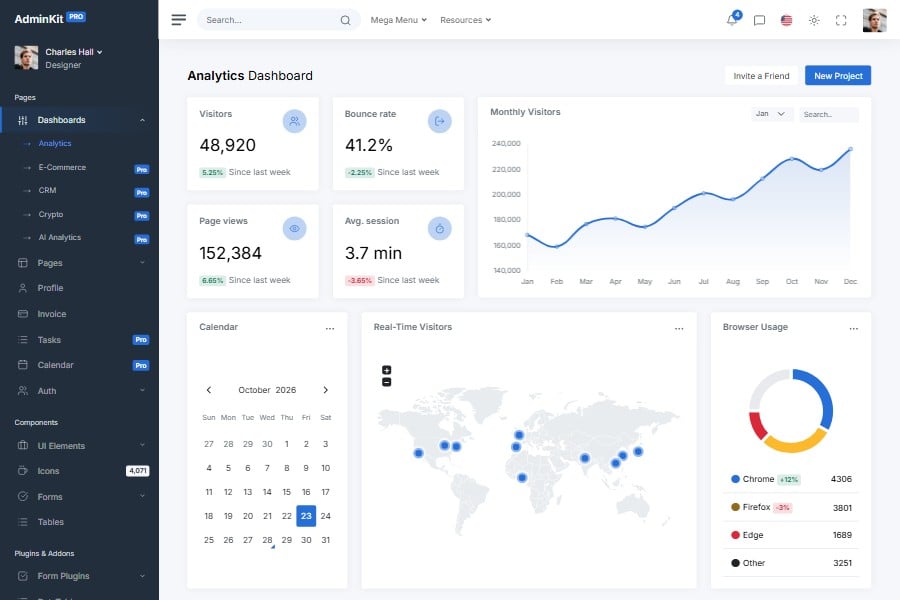
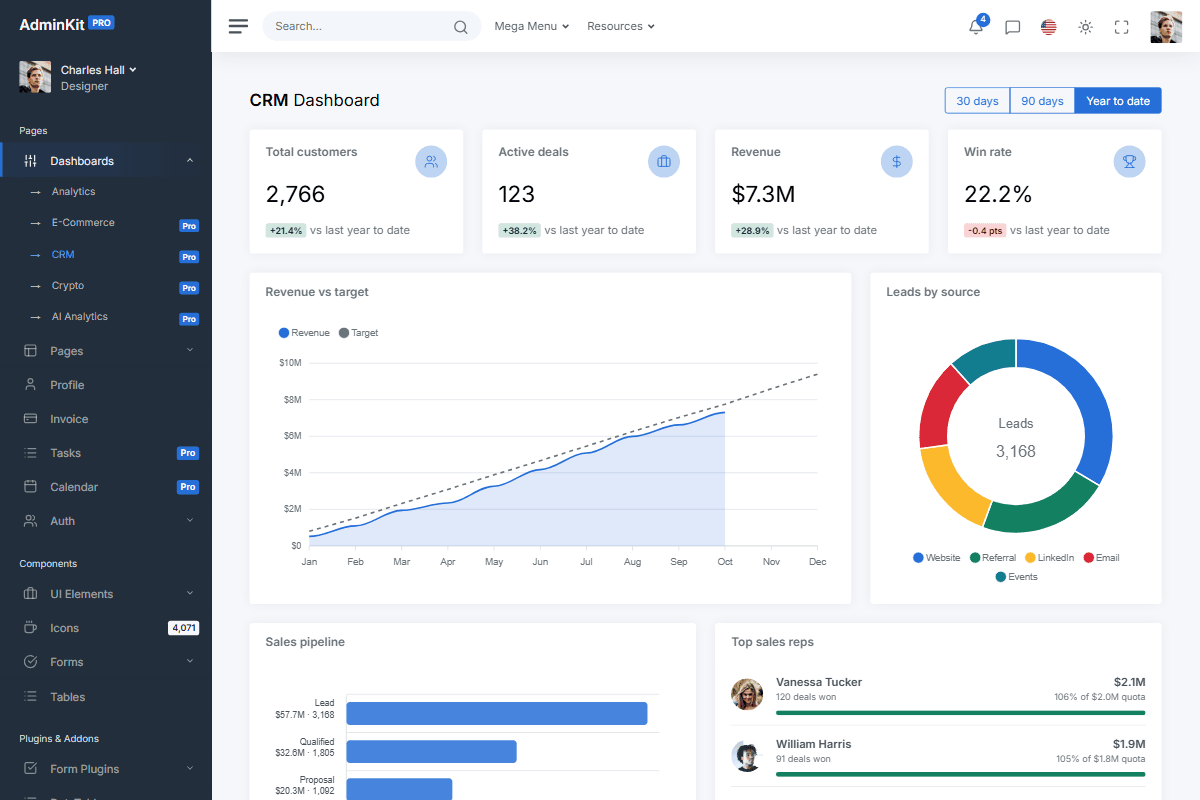
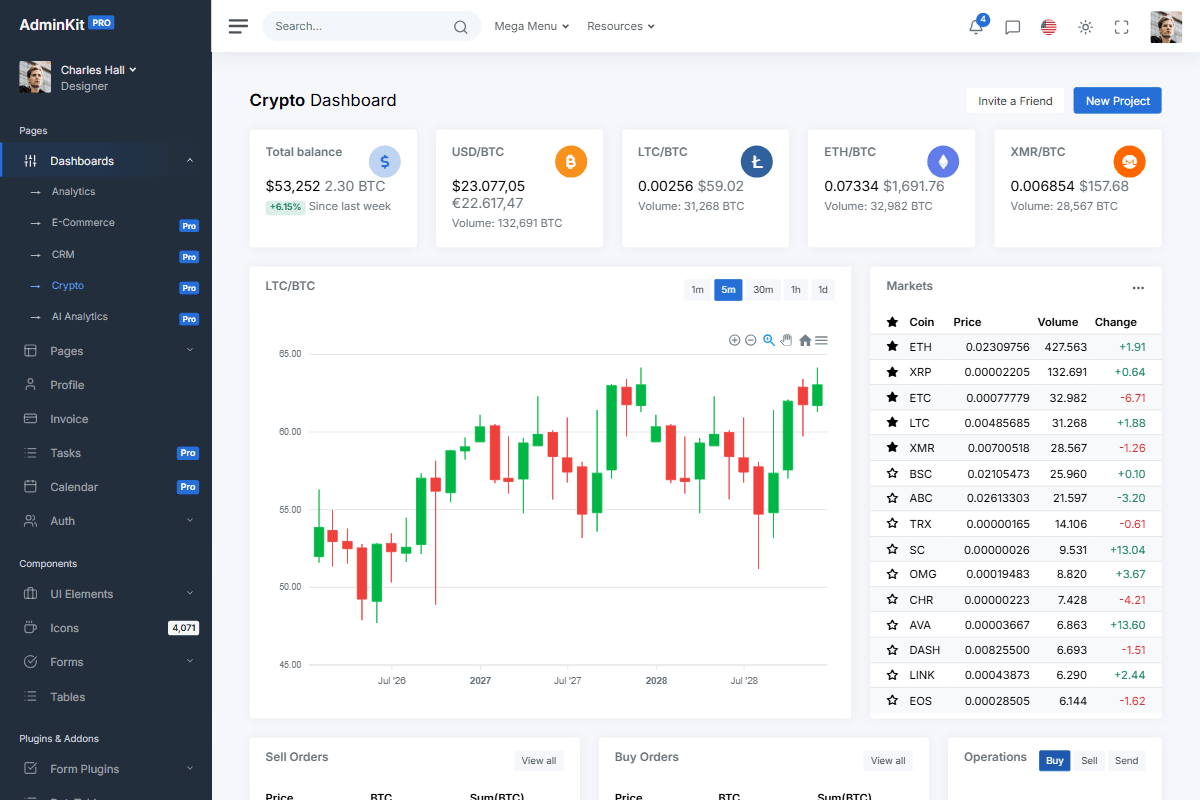
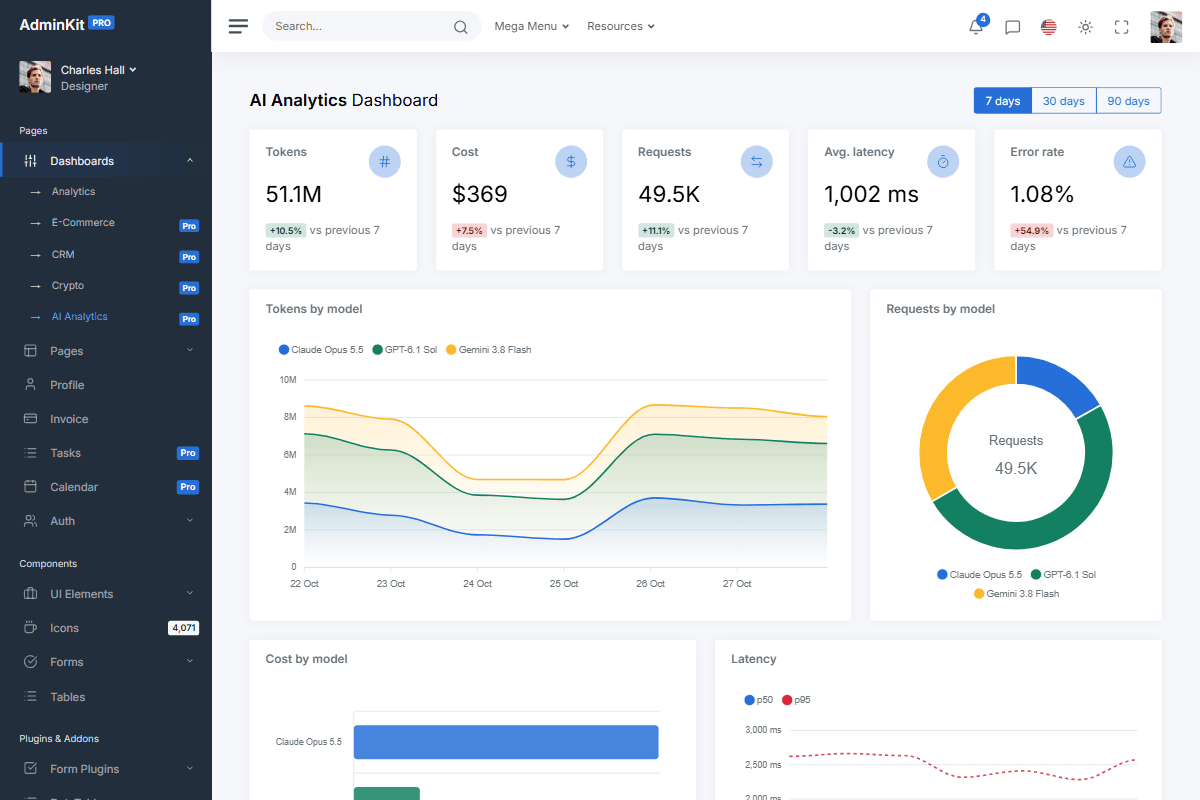
53 pre-built pages, ready for your project
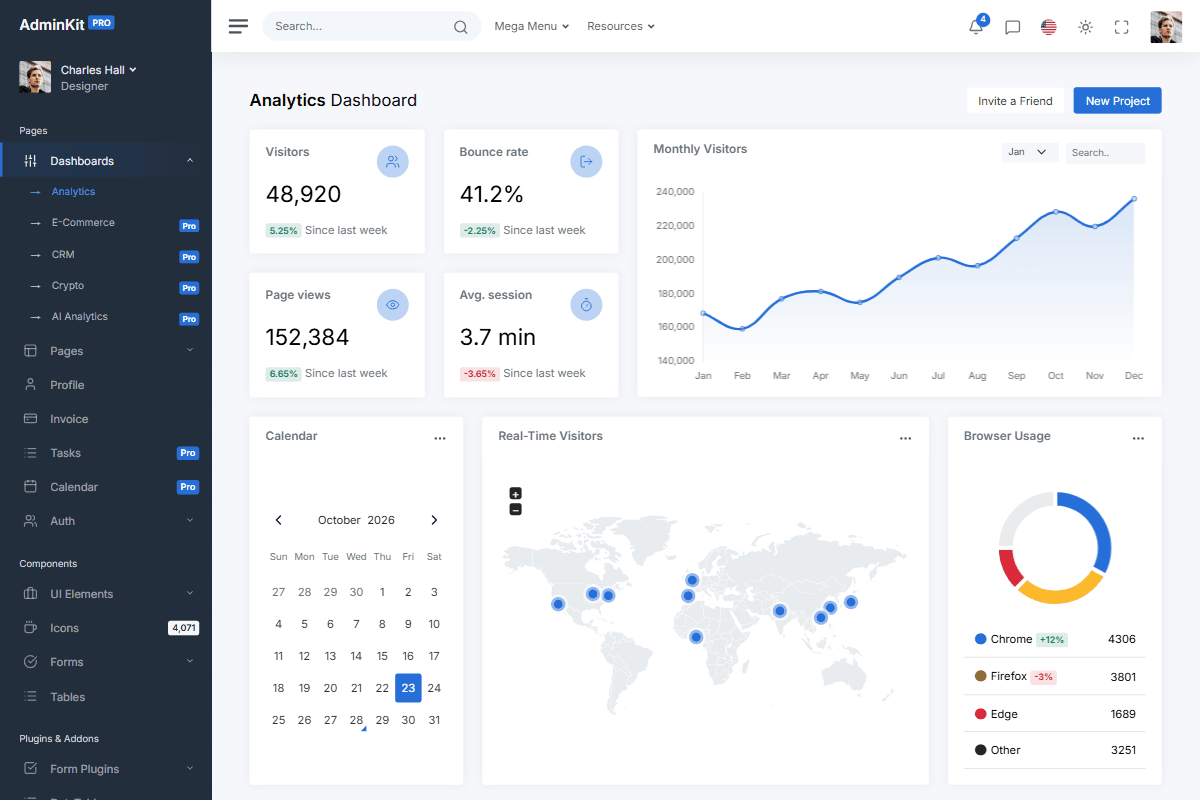
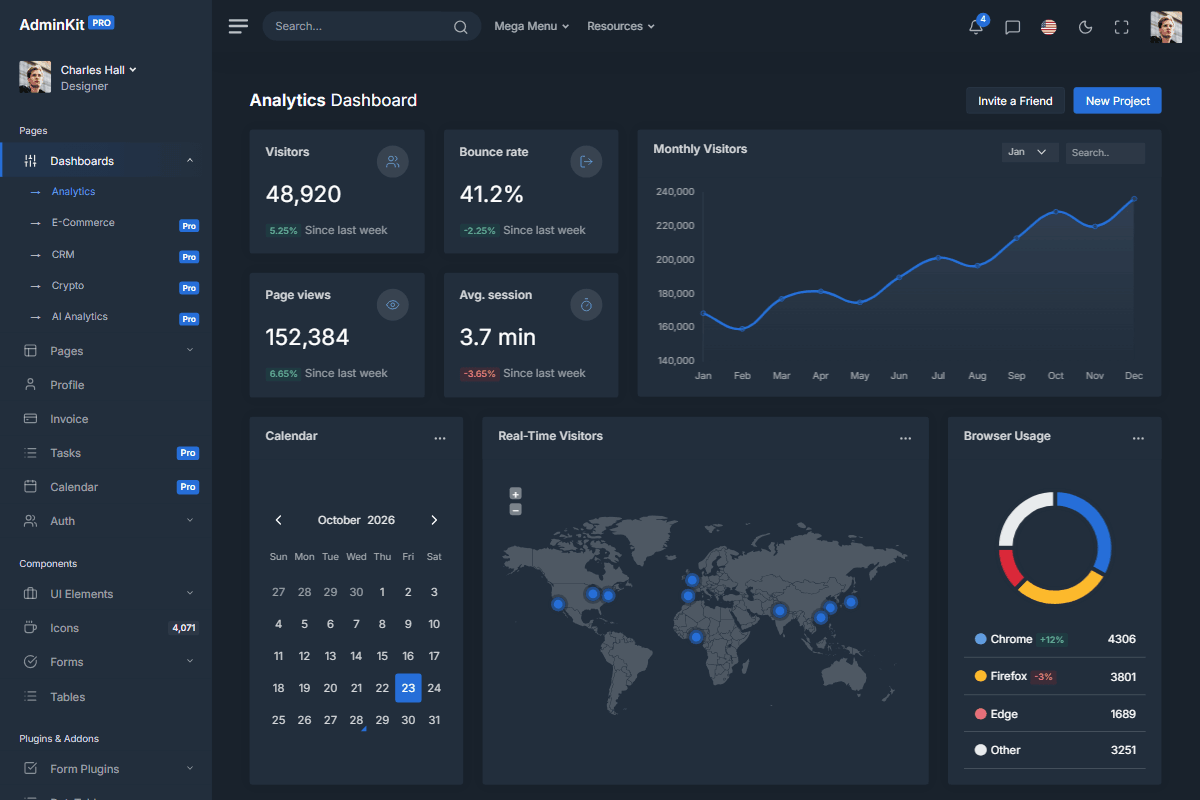
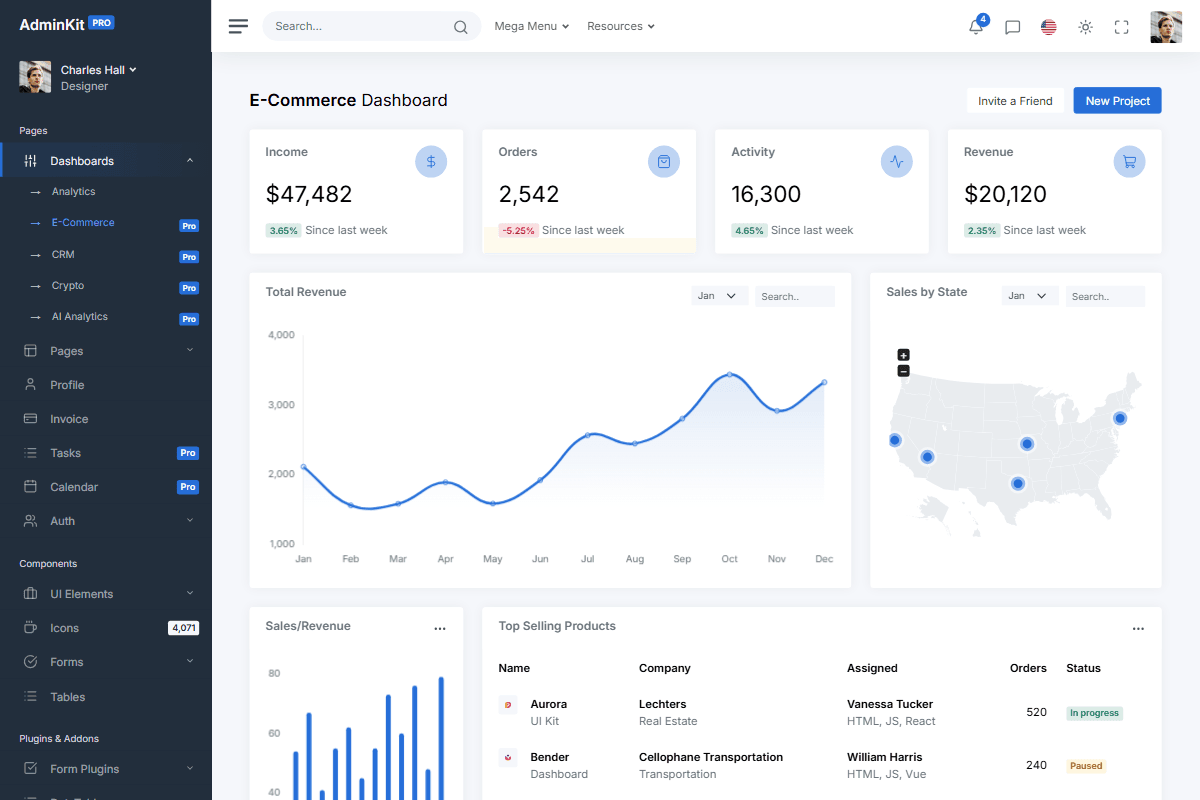
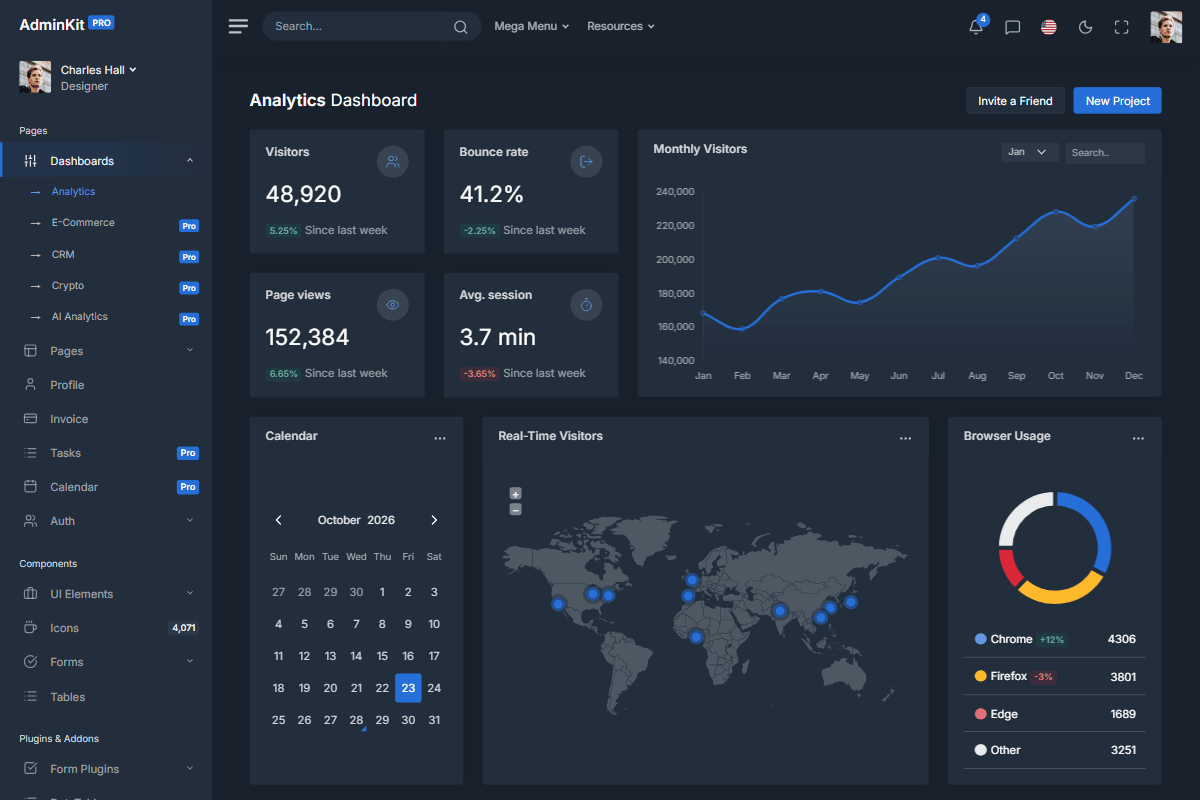
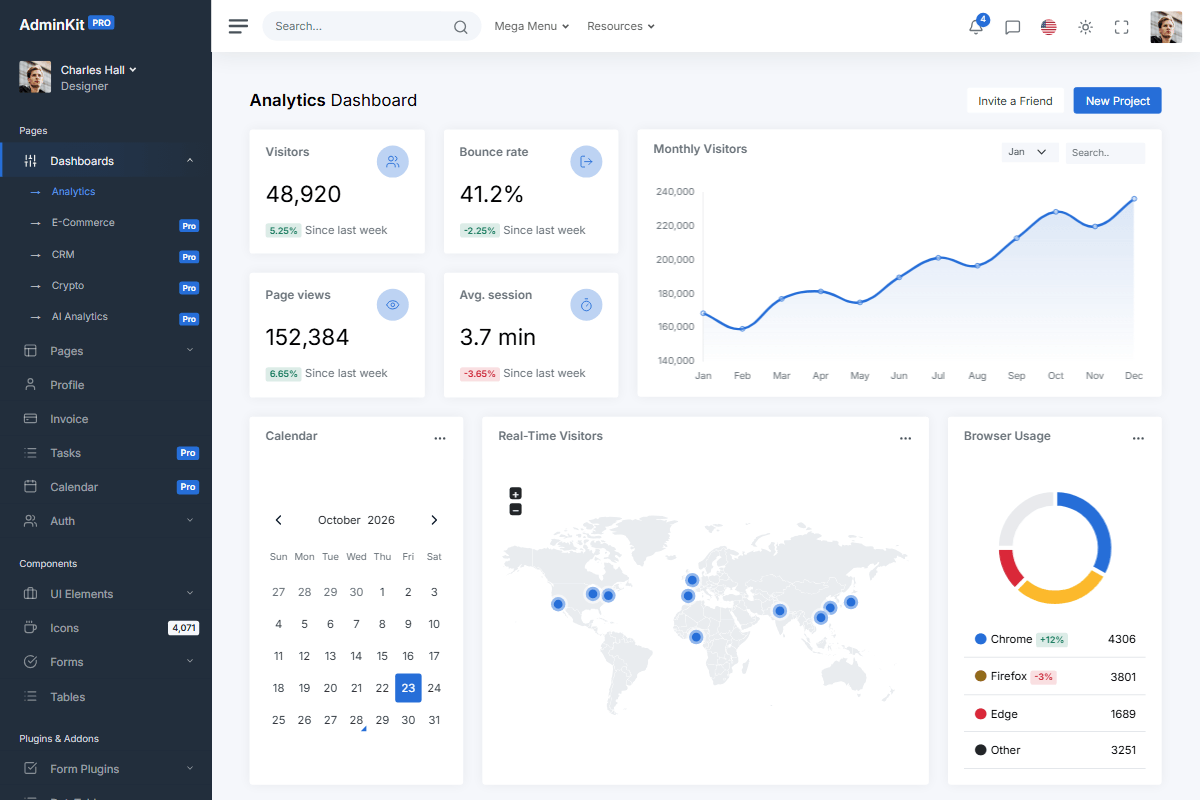
Every page in the AdminKit PRO demo is included in the download: the 5 dashboards, the AI pages, the 3 sidebar color schemes and dark mode.
Why AdminKit for React
Everything you need to start a React admin panel: ready-made pages, layouts and components.
React components
Cards, modals, tables, forms and layouts as components you import, built on familiar Bootstrap classes.
TypeScript built in
Every component is typed, so your editor suggests the right props and flags mistakes before you run the app.
Vite and React Router
Changes show up in the browser as you save, and every page already has its own URL.
Light, dark and auto
Light and dark mode, or follow the visitor's system setting, with no white flash when a page loads.
Easy to restyle
Change colors, fonts and spacing in a few Sass variables, and every page and component follows.
Documented
Installation, theming and the props of every component, explained in the React docs.
“Everything is so properly set up that any new additions I'd make would feel like a native extension of the theme versus a simple hack. I definitely feel like this will save me hundreds of hours I'd otherwise spend on designing.”
“We are totally amazed with a simplicity and the design of AdminKit Pro. Probably saved us hundreds of hours of development. We are absolutely amazed with the support provided to us.”
“This template doesn't get in the way, and provides a valuable user experience for any project that requires an administrative or dashboard look and feel without having to dive deep into JavaScript. I highly recommend it.”
AdminKit vs AdminKit PRO
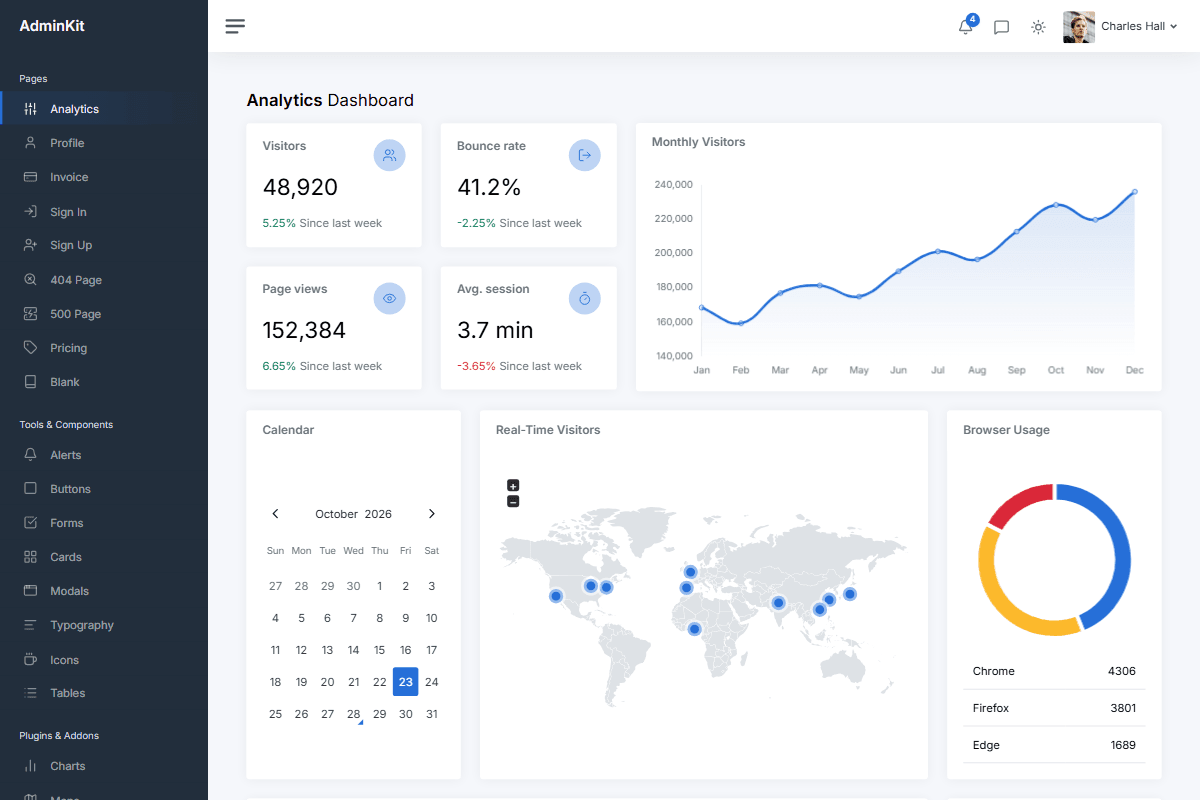
Start with the free, MIT-licensed version. Move to PRO when you need more pages, dashboards and plugins, and email support.
AdminKitFree
- 20 pages
- 1 dashboard
- 4 plugins
- 2,015 icons
- 1 sidebar color scheme
- Dark mode
- Support: Community
- License: MIT
AdminKitPro
One-time payment, lifetime updates. From $59- 53 pages
- 5 dashboards
- 11 plugins
- 4,178 icons
- 3 sidebar color schemes
- Dark mode
- AI features
- Settings panel
- Support: Email
- License: Commercial
Frequently asked questions
Answers to common questions about AdminKit.
Does it use react-bootstrap?
No. The components are AdminKit's own, written in TypeScript on Bootstrap's markup and classes. React state opens and closes modals, dropdowns and offcanvas menus.
Which React stack does it use?
React 19 and TypeScript, built with Vite 8 and routed with React Router 8. The app runs in the browser, and the styling is Bootstrap 5.3 with Sass.
Does it look the same as the other AdminKit versions?
Yes. AdminKit also comes as plain HTML and as Next.js, and all three have the same pages, layouts and themes, free and PRO.
Should I pick the Next.js version instead?
Pick Next.js when your app runs on the Next.js App Router. Pick React for an app that runs fully in the browser, or to fit AdminKit into an existing React project.
AdminKit PRO
Launch your React admin panel faster
Start from ready-made dashboards, application pages and plugins, and spend your time on your own features.
One-time payment, lifetime updates. Not happy? Contact us within 30 days for a refund.