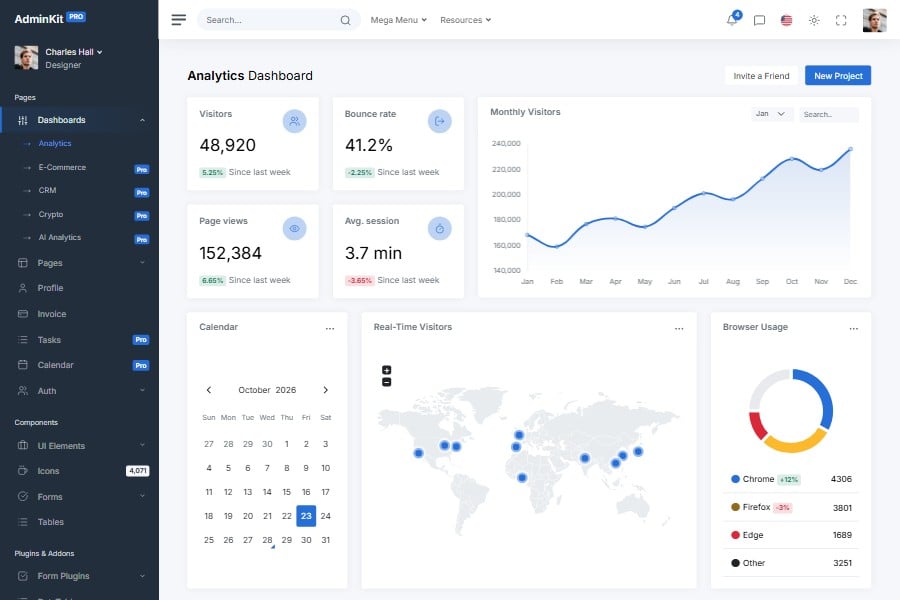
Sass Admin & Dashboard Template
Admin template powered by Sass
A Bootstrap 5.3 admin template built with Sass and Vite. Change the color, font and layout variables, then build one stylesheet with light and dark mode.
AdminKit’s styles are Bootstrap 5.3 Sass, compiled by the template’s Vite build into one stylesheet, css/app.css, that holds the light and the dark color mode.
All included UI components can be adjusted with Sass variables. To use your brand color, update $primary; to change dark mode, edit the $*-dark variables in _dark.scss. The customization docs list the variables.
Updated:
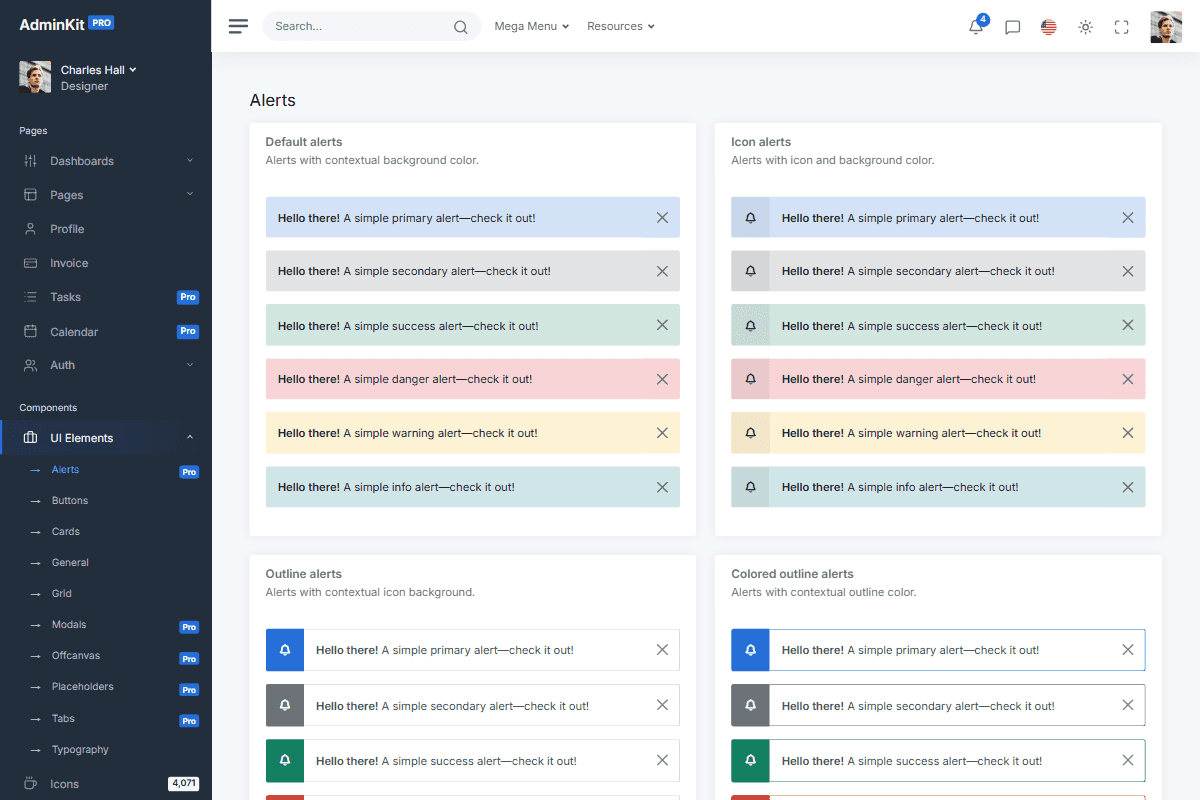
Reusable UI elements
AdminKit PRO has 53 pages for dashboards, client pages, calendars and advanced forms, with integrated charts, tables and notifications.
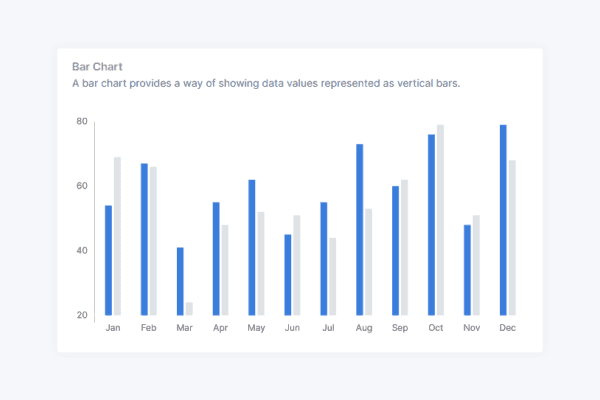
Integrated JavaScript plugins
AdminKit PRO wires up 11 plugins: charts, calendars, date pickers, drag and drop, input masks, rich text editing and tables, styled for light and dark mode, none of them needing jQuery.
// Colors
$blue: #266ed8 !default;
$indigo: #0a0a0a !default;
$purple: #6f42c1 !default;
$pink: #e83e8c !default;
$red: #da2839 !default;
$orange: #fd7e14 !default;
$yellow: #fcb92c !default;
$green: #138161 !default;
$teal: #20c997 !default;
$cyan: #127d8e !default;
Branding and customization
With its Bootstrap 5 elements and configurable Sass variables, you can match AdminKit to your existing design system and HTML components.
AdminKit has reached 40,000+ free downloads
“Everything is so properly set up that any new additions I'd make would feel like a native extension of the theme versus a simple hack. I definitely feel like this will save me hundreds of hours I'd otherwise spend on designing.”
Frequently asked questions
Answers to common questions about AdminKit.
How do I change AdminKit's colors?
Update the Sass variables in src/scss/1-variables/ and run npm run build. Setting $primary to your brand color restyles every component that uses it; the dark mode values are in _dark.scss.
Do I need to know Sass to use AdminKit?
No. Compiled CSS is included; you need Sass only for deeper customization.
Can every component be customized with Sass variables?
Yes. All UI components in the package can be adjusted through Sass variables.
How do I compile AdminKit's Sass files?
With the template's Vite build: npm run dev recompiles on every change and npm run build writes css/app.css to dist/. If you'd rather not compile anything, use the built CSS as it is.
Will my colors still meet WCAG 2.2 AA?
Only if they have enough contrast. AdminKit's own palette reaches 4.5:1 for text; derive text colors from a new color with ak-readable($color, $background) and check the result in light and dark mode.
Does AdminKit's Sass work with other bundlers?
Yes. The .scss sources are Bootstrap 5.3 Sass and compile with Dart Sass in any toolchain, not only the template's Vite build.



Launch faster with professionally designed, customizable UI components
AdminKit PRO has ready-made dashboards, forms, tables, charts and application pages built on Bootstrap 5.
Get AdminKitLive Preview