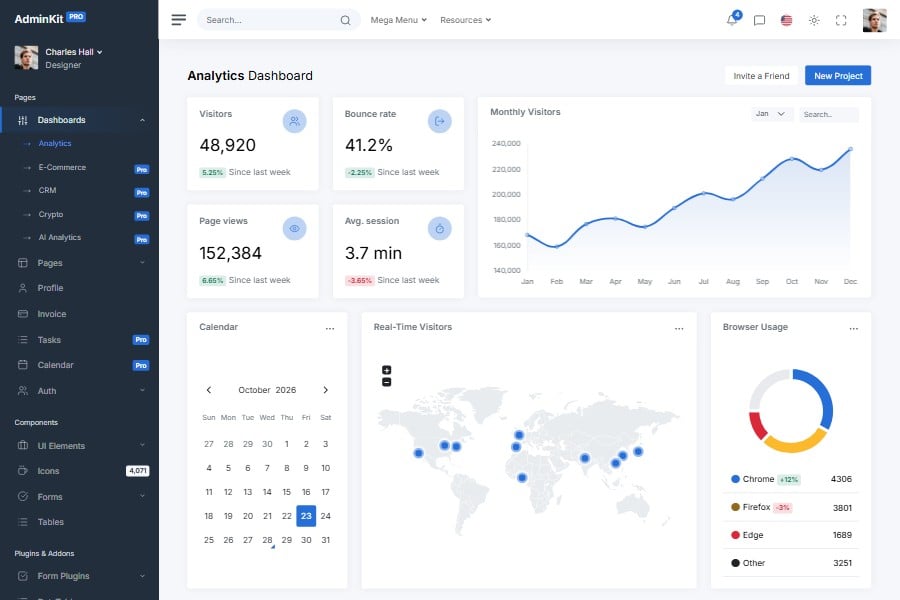
SaaS Admin & Dashboard Template
Bootstrap dashboard template for SaaS applications
Build a SaaS admin dashboard with AdminKit's Bootstrap 5 dashboard, client, pricing, invoice and account pages, connected to your own auth, billing and APIs.
Live preview & download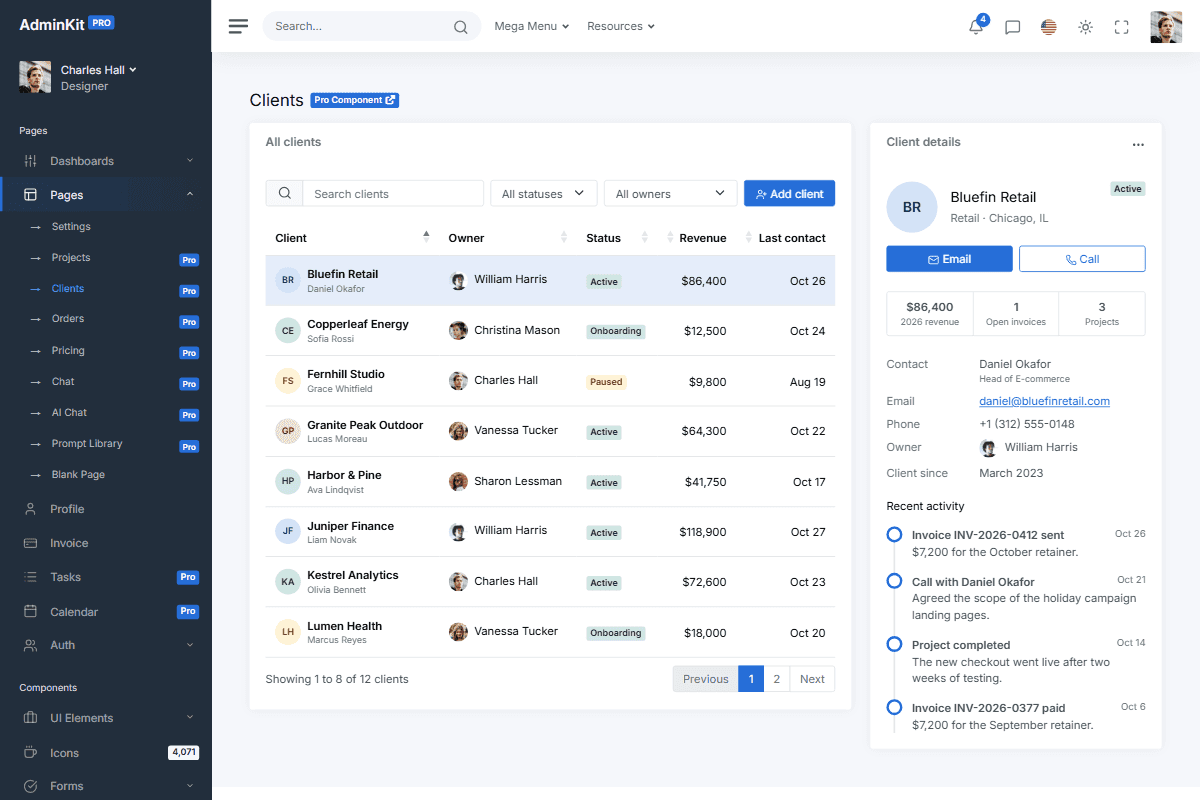
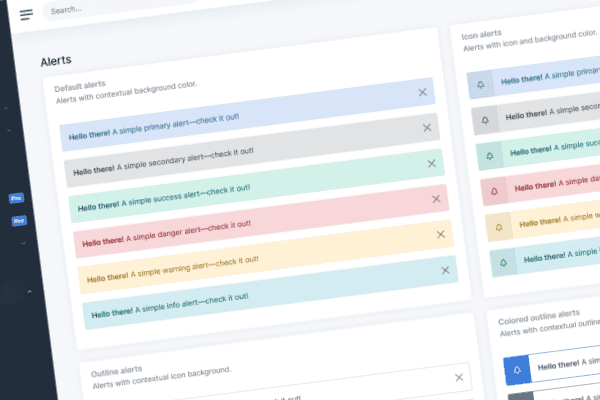
Reusable UI elements
With a collection of reusable UI components, AdminKit gives you the freedom to choose and combine to create the pages you need. It covers reporting dashboards, admin tools, data-rich applications and more.
// Colors
$blue: #266ed8 !default;
$indigo: #0a0a0a !default;
$purple: #6f42c1 !default;
$pink: #e83e8c !default;
$red: #da2839 !default;
$orange: #fd7e14 !default;
$yellow: #fcb92c !default;
$green: #138161 !default;
$teal: #20c997 !default;
$cyan: #127d8e !default;
Branding and customization
Customize the Bootstrap 5 components and Sass variables to match your application's colors, typography and layout.
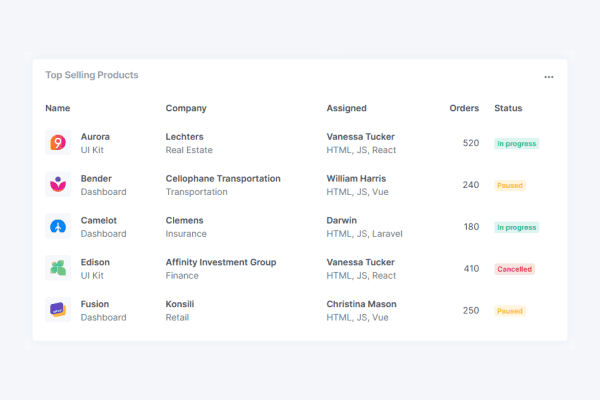
SaaS components
Use the product lists, dashboard layouts and account pages as the front end for your SaaS application, then connect them to your own services and data.
Building a SaaS admin panel
What you build
Authentication, tenants, billing and the API behind every page. AdminKit is the front end; the framework guides show how to add it to your stack. The settings page has team, billing and API key tabs to start from.
Which license
Choose the Company or Enterprise license for a SaaS product with paying users; Hobby is for products that are free to use. Every license is a one-time payment, see pricing.
Pages & elements
Explore the page layouts and components you can connect to your SaaS application.
Explore all elementsAdminKit has reached 40,000+ free downloads
“This template was just what we were after; its modern, works perfectly and is visually beautiful, we couldn't be happier. The support really is excellent, I look forward to working with these guys for a long time to come!”
Updated:
Frequently asked questions
Answers to common questions about AdminKit.
Can I use AdminKit in a commercial SaaS product?
Yes, with the Company or Enterprise license, which cover products with paying users. The Hobby license doesn't. All licenses are one-time payments; see pricing.
Which SaaS pages does AdminKit PRO include?
AdminKit PRO has 53 pages, including dashboard, clients, settings, pricing, invoice and profile pages, AI chat and prompt library pages, and reusable UI components like tables and charts.
Can I integrate AdminKit into my existing SaaS stack?
Yes. AdminKit is HTML, CSS and JavaScript, so it works with React, Next.js, Vue, Laravel, Django, Rails and other stacks; the framework guides cover the setup. You implement the routes, data binding and API calls.
How many developers can work with AdminKit PRO?
That depends on the license: Hobby covers 1 developer, Company 5, and Enterprise 10. Front-end, back-end, testers and designers all count as developers.
Does AdminKit include a billing or usage dashboard for SaaS?
AdminKit PRO includes pricing, invoice, clients and settings pages with billing sections. You supply subscription and usage data, integrate your payment provider and implement billing actions.
Does the SaaS template include authentication or tenant management?
AdminKit includes sign-in and sign-up page designs, not an authentication service. Your application implements sessions, permissions and tenant isolation on the server; hiding a control in the UI does not enforce access.
What you can build
with AdminKit
Explore all use cases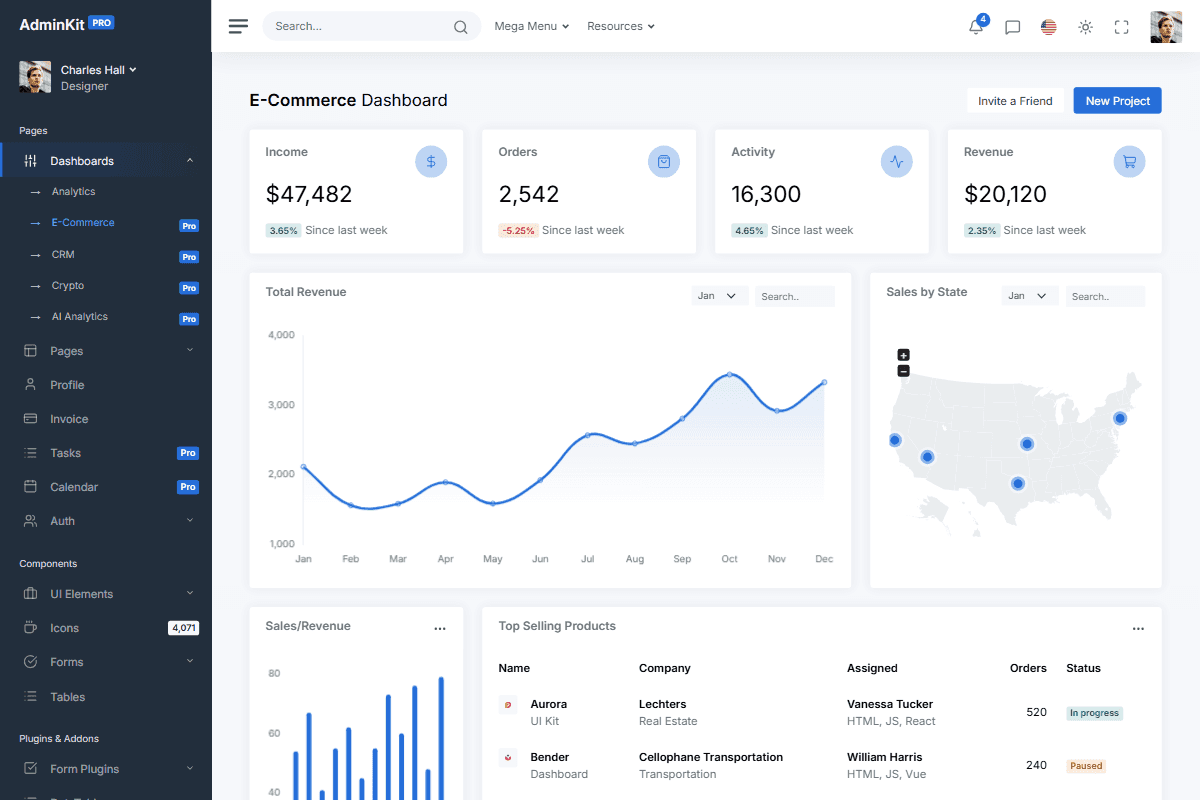
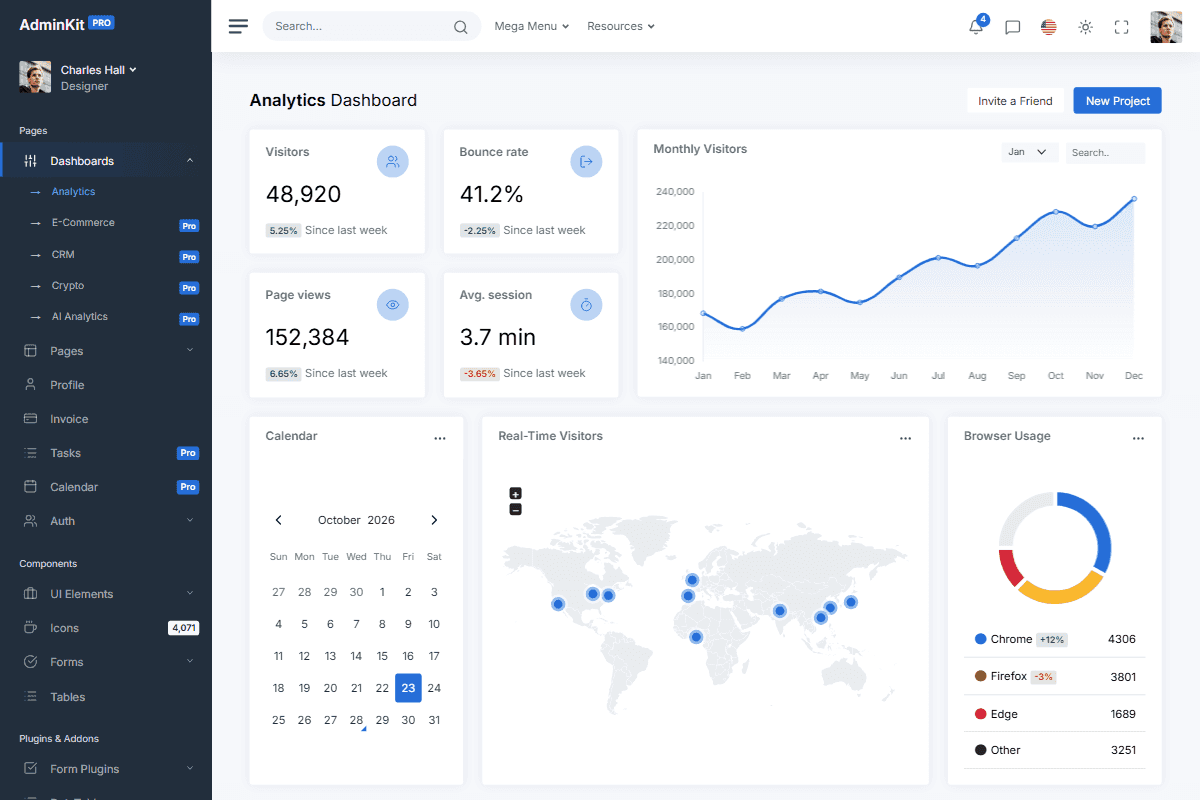
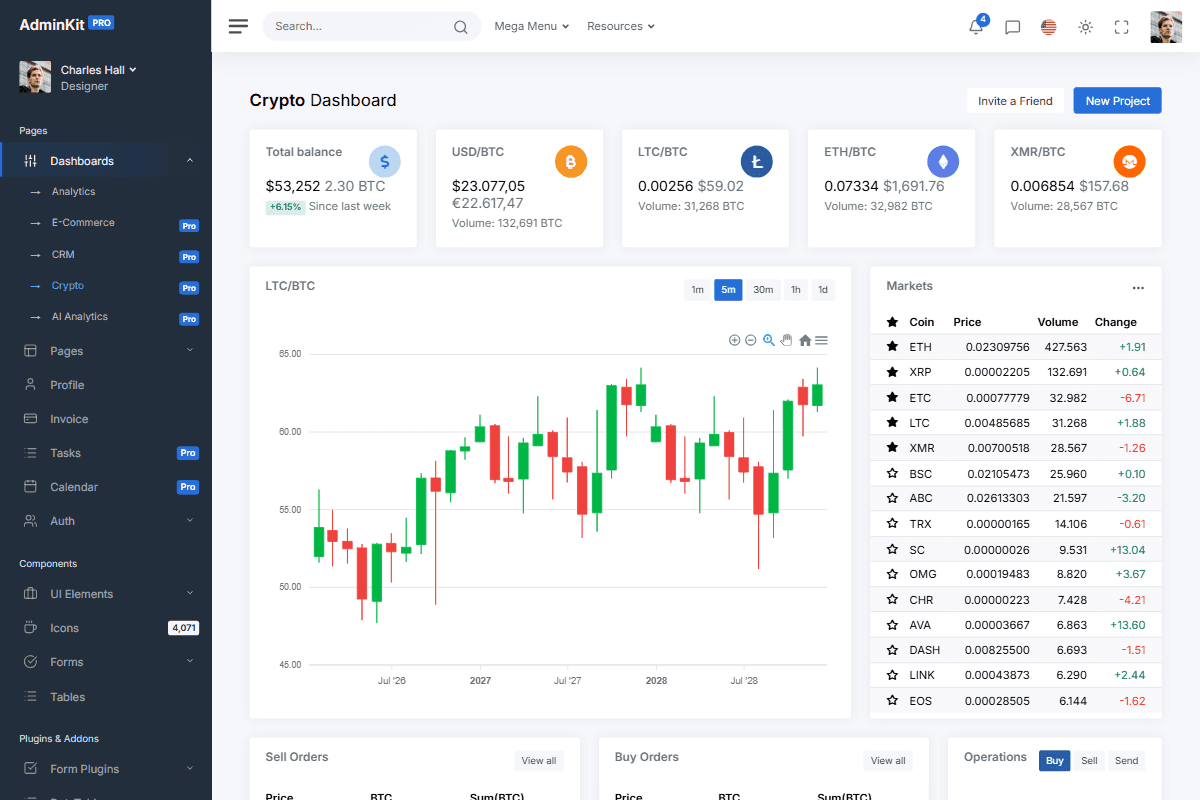
Launch faster with professionally designed, customizable UI components
AdminKit PRO has ready-made dashboards, forms, tables, charts and application pages built on Bootstrap 5.
Get AdminKit PROLive preview