Bootstrap Dark Admin & Dashboard Template
Fully-featured dashboard template with dark mode
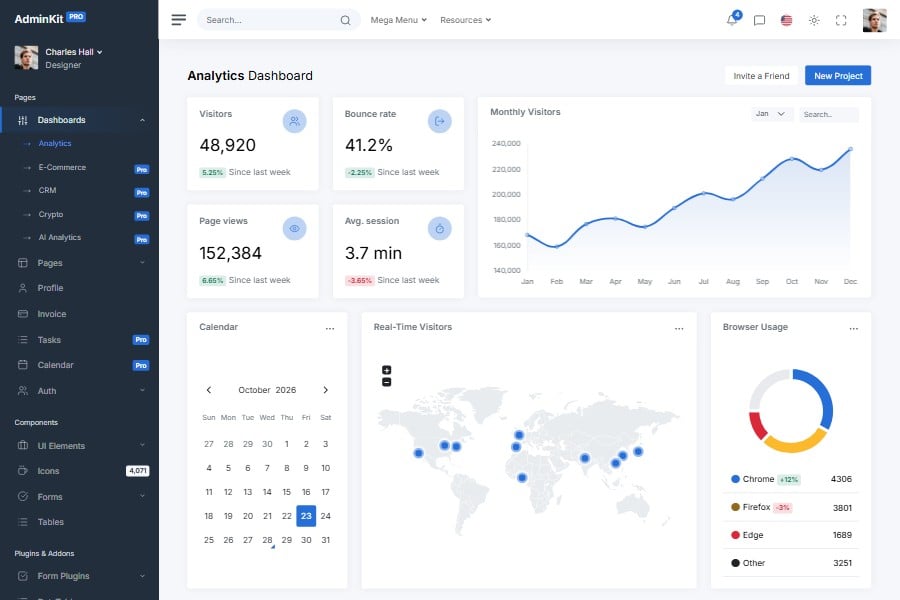
AdminKit has light, dark and auto color modes in the free version and in PRO, built on Bootstrap 5.3 color modes and checked for WCAG 2.2 AA contrast in both.
Live preview & download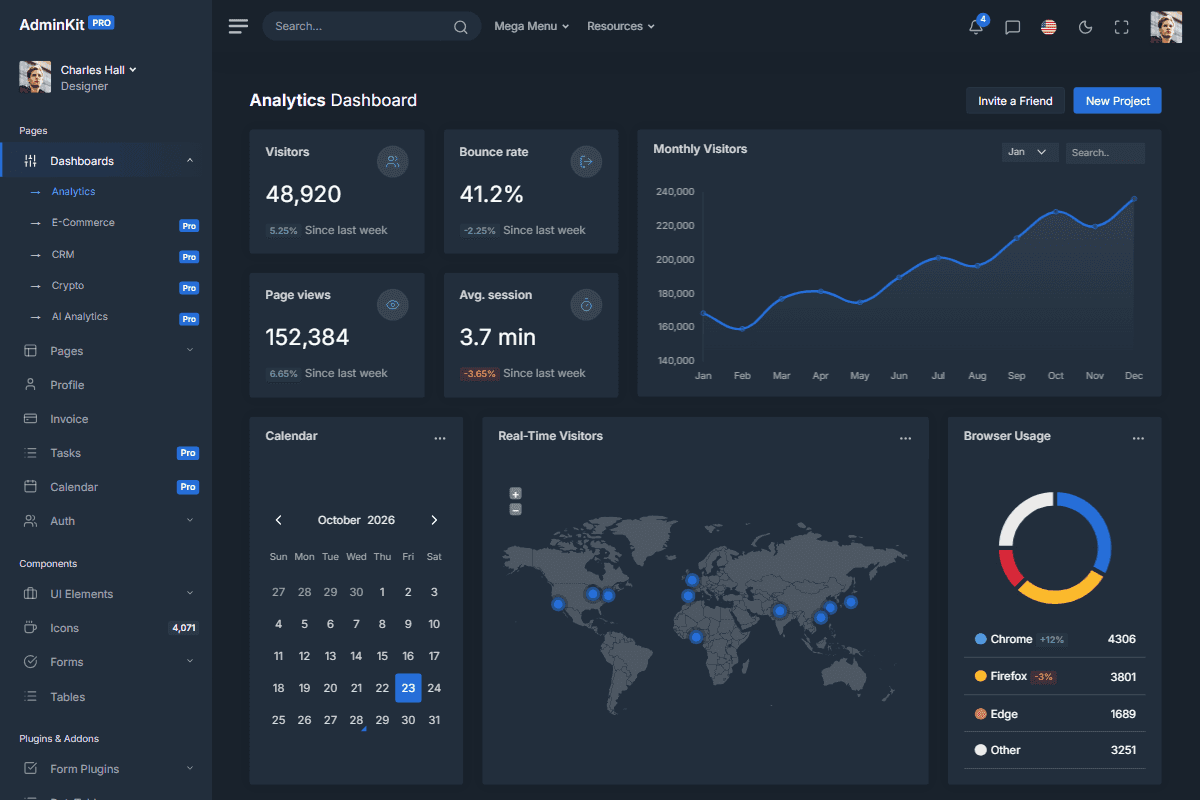
Reusable UI elements
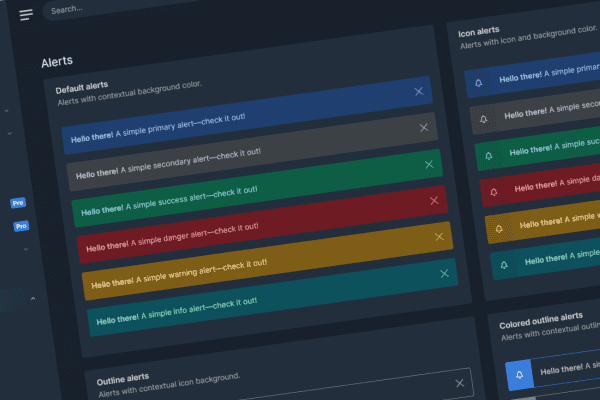
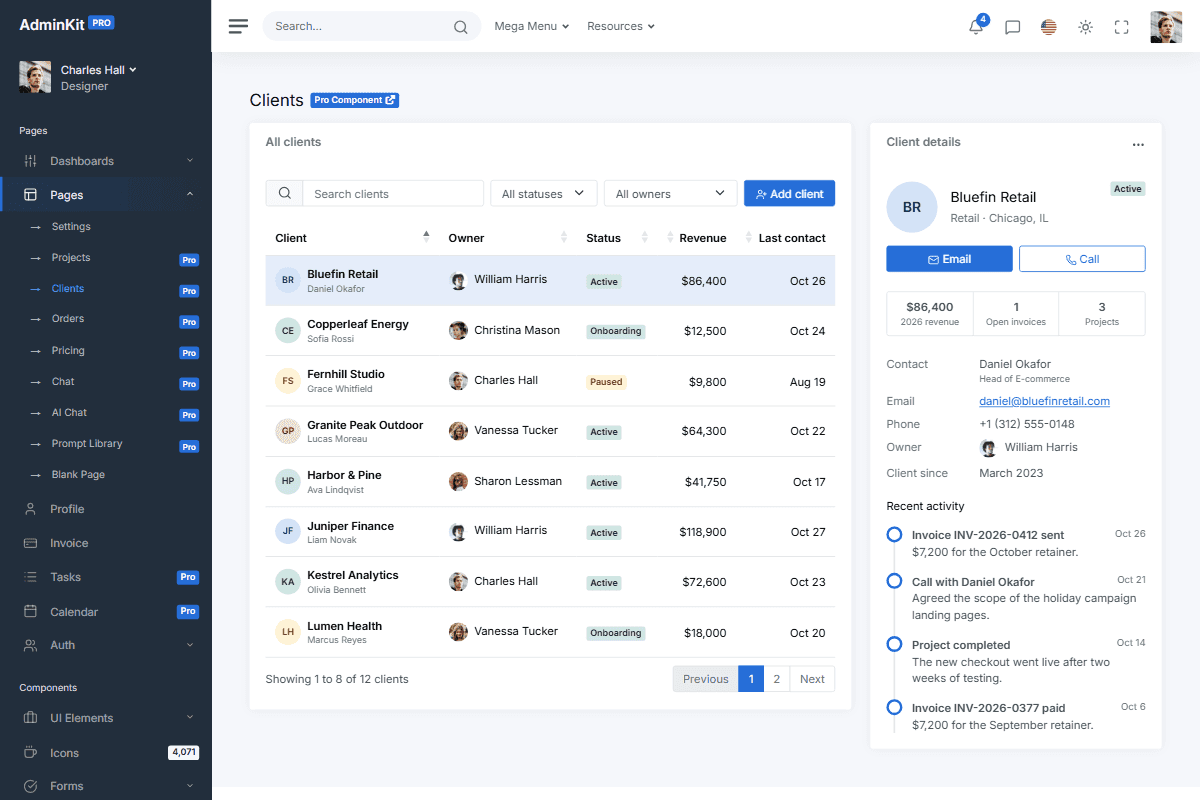
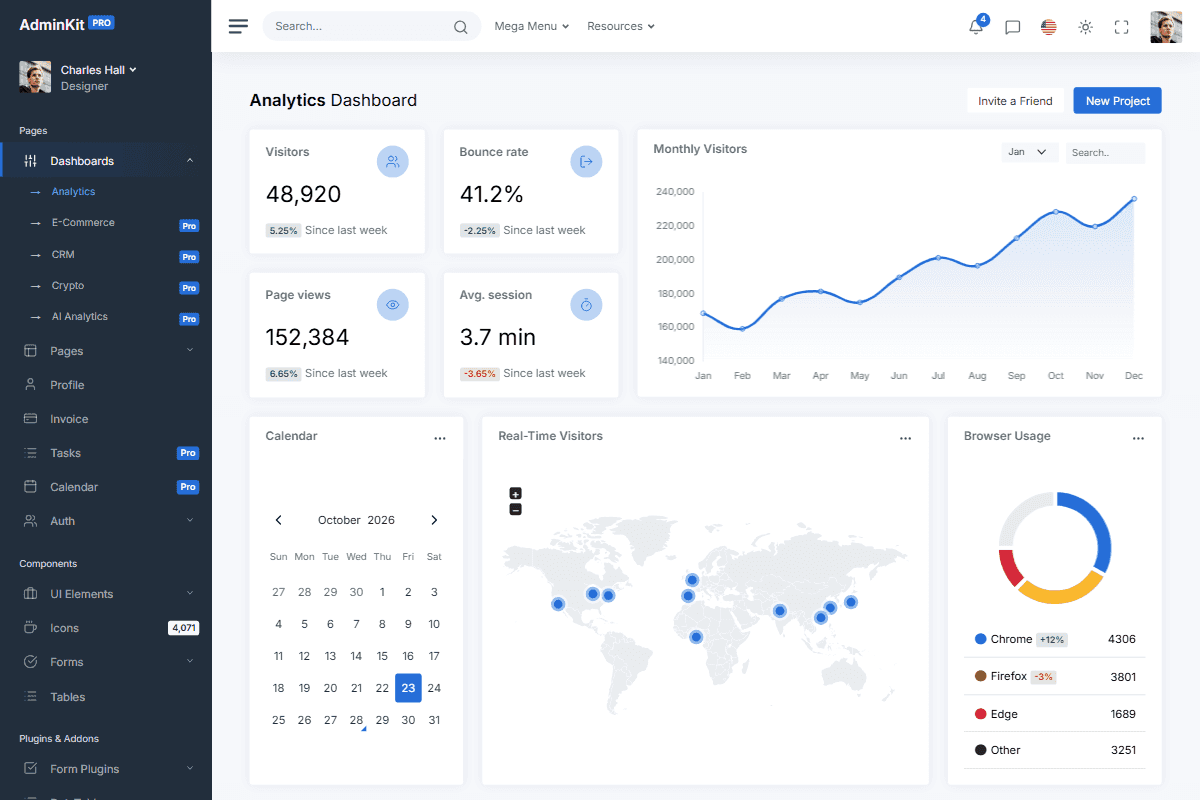
Navbars, modals, tables, charts and forms that work in light and dark mode, in the free version and in PRO. Combine them into the pages your application needs.
Interactive charts
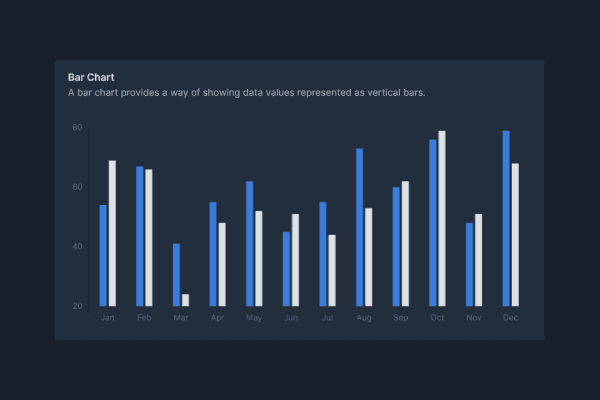
Interactive line, bar, area, pie, radar and doughnut charts for your dashboards and reports, in light and dark mode.
// Colors
$blue: #266ed8 !default;
$indigo: #0a0a0a !default;
$purple: #6f42c1 !default;
$pink: #e83e8c !default;
$red: #da2839 !default;
$orange: #fd7e14 !default;
$yellow: #fcb92c !default;
$green: #138161 !default;
$teal: #20c997 !default;
$cyan: #127d8e !default;
Branding and customization
AdminKit uses standard Bootstrap 5 elements and Sass variables, so it fits into an existing design system and HTML components.
Building a dark mode admin panel
What's included
Light, dark and auto color modes in one stylesheet, a navbar toggle, and charts, maps, calendars and tables that follow the mode. AdminKit PRO adds sidebar color schemes and a settings panel.
What you build
Nothing for the colors: keep the toggle or set data-bs-theme yourself. Your own components can use Bootstrap’s color mode variables. See the dark mode docs.
Which license
Dark mode is part of the MIT-licensed free version. AdminKit PRO is a one-time payment; choose Company or Enterprise for products with paying users, see pricing.
Pages & elements
Pages and plugins that follow AdminKit's light and dark color mode.
Explore all elementsAdminKit has reached 40,000+ free downloads
“We are totally amazed with a simplicity and the design of AdminKit Pro. Probably saved us hundreds of hours of development. We are absolutely amazed with the support provided to us.”
Updated:
Frequently asked questions
Answers to common questions about AdminKit.
Does AdminKit include a dark mode?
Yes. Both editions have light, dark and auto color modes in one stylesheet, css/app.css, built on Bootstrap 5.3 color modes. Every component and page works in both modes, with text that keeps 4.5:1 contrast.
Is dark mode available in the free version?
Yes. Since AdminKit 4, the free version has the same light, dark and auto color modes and the navbar toggle. AdminKit PRO adds 3 sidebar color schemes and a settings panel.
What is the difference between color modes and sidebar color schemes?
The color mode (light, dark or auto) sets the colors of the whole page with data-bs-theme on the html element. In AdminKit PRO, data-theme on the body picks one of 3 sidebar color schemes in either mode.
Do charts and plugins work in dark mode too?
Yes. Charts and maps created with AdminKit's chart and map helpers redraw in the new colors when the mode changes, and the date pickers, calendar and tables follow it too.
Can visitors toggle between light and dark mode?
Yes. The navbar toggle switches between light, dark and auto (the operating system setting) and stores the choice in localStorage. The optional js/head.js applies it before the first paint, so there is no flash.
Is a dark-mode-only version available?
Yes. Set data-bs-theme="dark" on the html element and leave out the toggle. AdminKit 4 has no separate dark stylesheet; css/app.css holds both modes.
What you can build
with AdminKit
Explore all use cases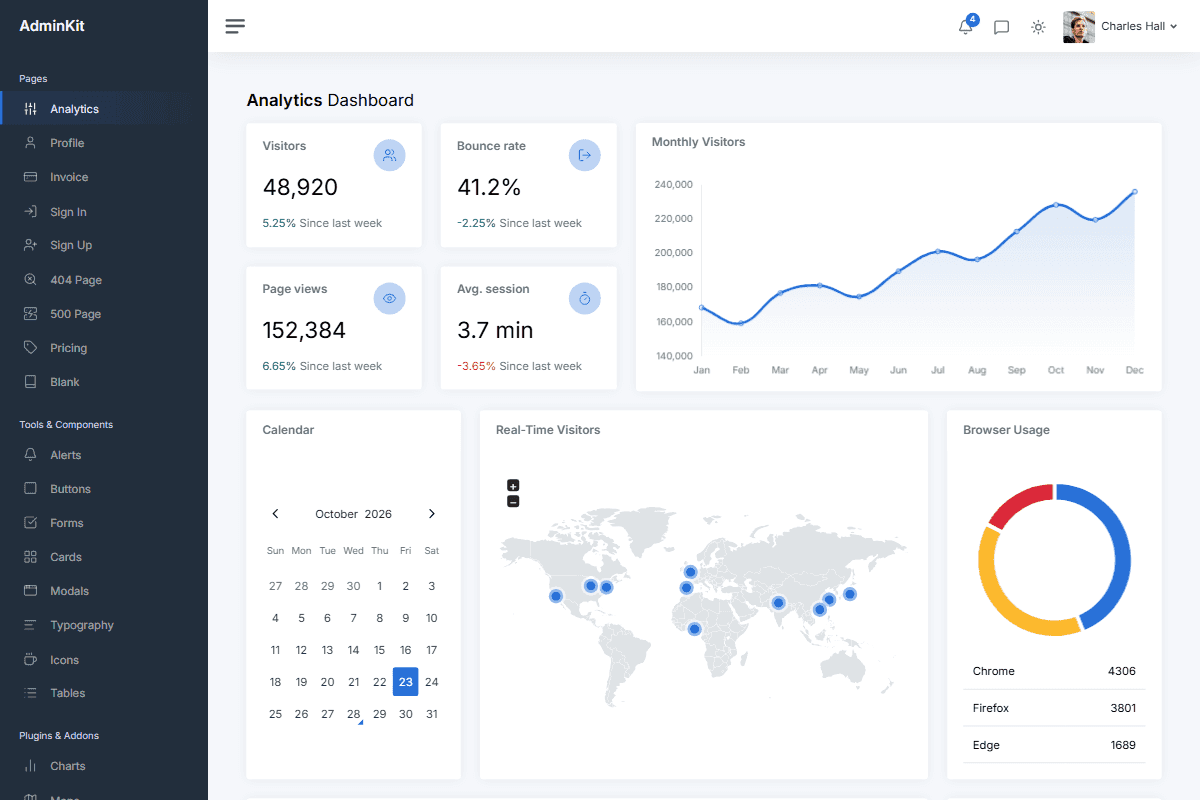
Launch faster with professionally designed, customizable UI components
AdminKit PRO has ready-made dashboards, forms, tables, charts and application pages built on Bootstrap 5.
Get AdminKit PROLive preview