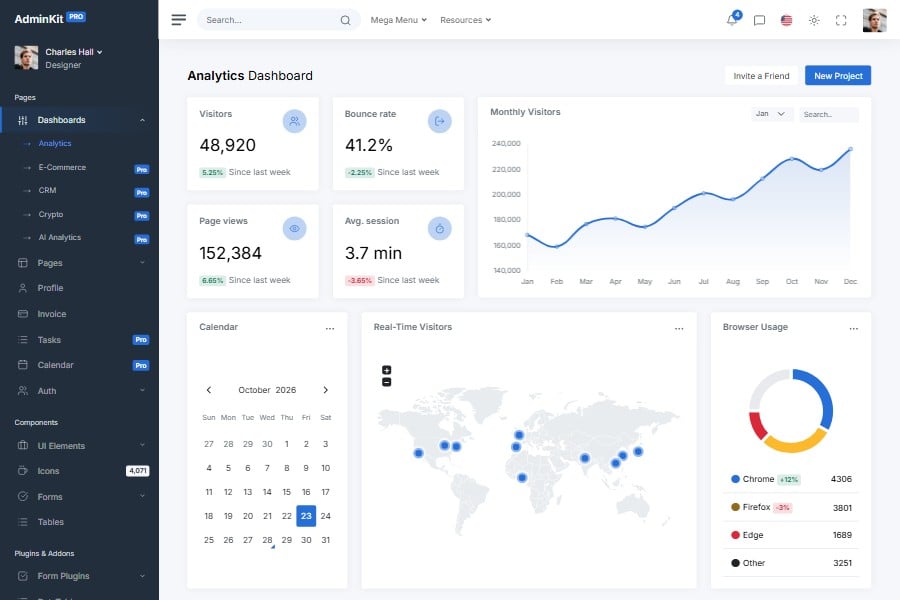
Google Maps Admin & Dashboard Template
Admin template using Google Maps
A Bootstrap 5 admin template with Google Maps examples that run without an API key in development. Add your own restricted key before you go to production.
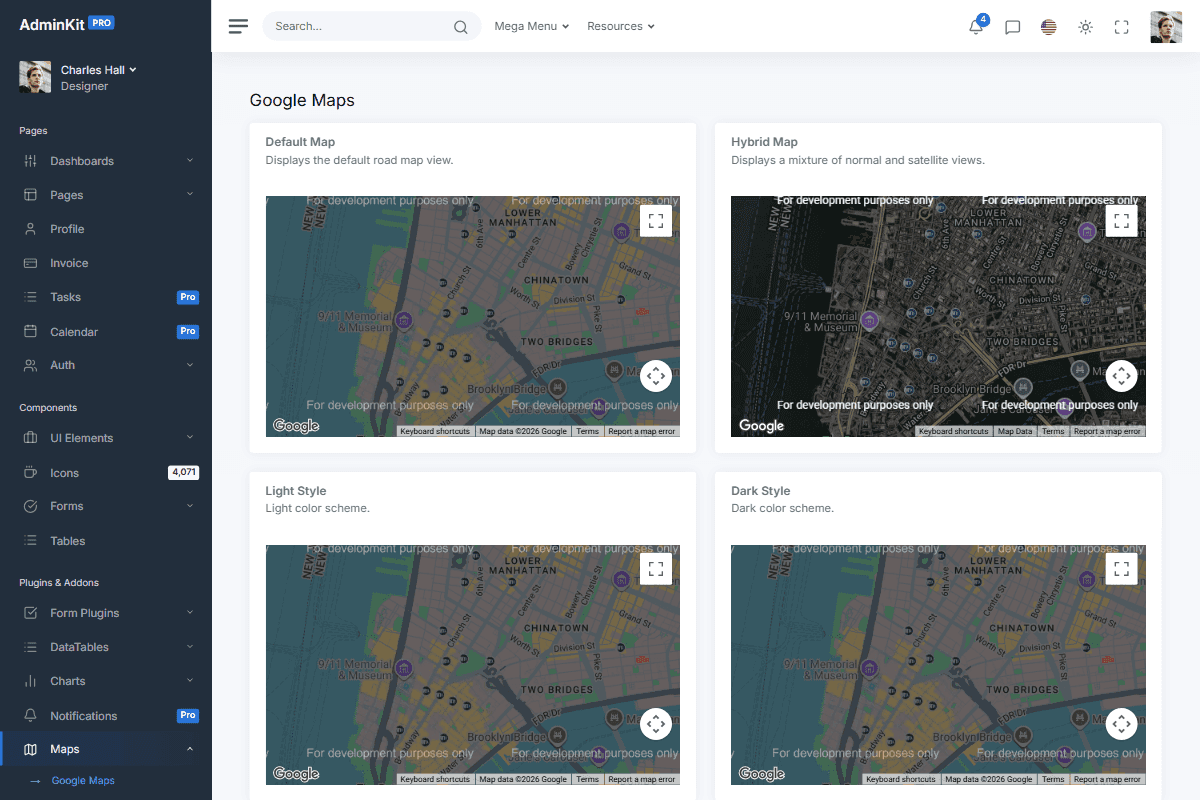
AdminKit’s Google Maps page shows a default road map and a hybrid map in the free version, and adds light and dark styled maps, Street View and markers in AdminKit PRO. The examples work without an API key while you develop.
Development without a key
AdminKit 4 ships no Google Maps API key. The Google Maps page (maps-google.html) loads the Maps JavaScript API without one:
<script src="https://maps.googleapis.com/maps/api/js?callback=initMaps&loading=async" async></script>Google serves keyless requests for development. It draws “For development purposes only” over the maps, may show a “This page can’t load Google Maps correctly” dialog, and logs a NoApiKeys warning and an ApiProjectMapError for each map in the console. The screenshot above shows the page in that mode.
Adding your API key
- In the Google Cloud console, create an API key and enable the Maps JavaScript API for its project.
- Restrict the key by HTTP referrer to your domains, so other sites cannot use it.
- Add the key to the script URL in
src/scripts/a-maps-google.hbs, then runnpm run build:
<script src="https://maps.googleapis.com/maps/api/js?key=YOUR_KEY&callback=initMaps&loading=async" async></script>The maps then render without the watermark and the console messages. Google bills Maps usage per project; check its pricing before you go live.
Without Google
If you don’t want to depend on a Google service, use jsVectorMap: an open-source vector map library included in both editions, used by the dashboard’s world map. It needs no key and follows the light and dark color mode. See the vector map integration.
Updated:
Reusable UI elements
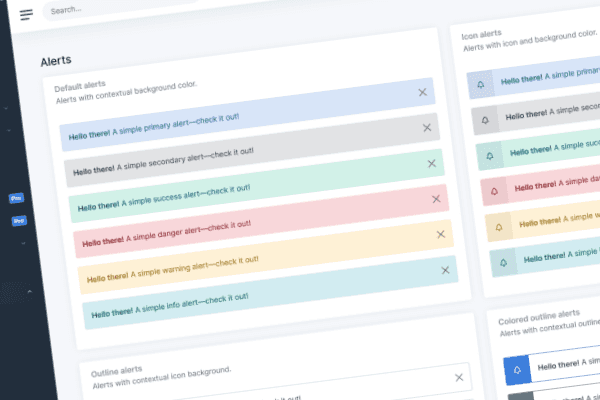
AdminKit PRO has 53 pages for dashboards, client pages, calendars and advanced forms, with integrated charts, tables and notifications.
Integrated JavaScript plugins
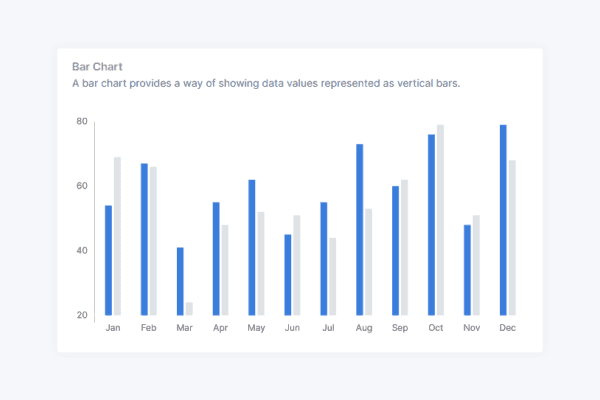
AdminKit PRO wires up 11 plugins: charts, calendars, date pickers, drag and drop, input masks, rich text editing and tables, styled for light and dark mode, none of them needing jQuery.
// Colors
$blue: #266ed8 !default;
$indigo: #0a0a0a !default;
$purple: #6f42c1 !default;
$pink: #e83e8c !default;
$red: #da2839 !default;
$orange: #fd7e14 !default;
$yellow: #fcb92c !default;
$green: #138161 !default;
$teal: #20c997 !default;
$cyan: #127d8e !default;
Branding and customization
With its Bootstrap 5 elements and configurable Sass variables, you can match AdminKit to your existing design system and HTML components.
AdminKit has reached 40,000+ free downloads
“Everything is so properly set up that any new additions I'd make would feel like a native extension of the theme versus a simple hack. I definitely feel like this will save me hundreds of hours I'd otherwise spend on designing.”
Frequently asked questions
Answers to common questions about AdminKit.
Which Google Maps examples does AdminKit include?
The free version has a default road map and a hybrid map. AdminKit PRO adds light and dark styled maps, Street View and a map with markers.
Do I need a Google Maps API key?
Not to try the examples: the page loads the Maps JavaScript API without a key, which Google allows for development. Google then marks the maps "For development purposes only". For production, add your own key.
Why do the maps say "For development purposes only"?
That is how Google draws maps loaded without an API key. The console also shows a NoApiKeys warning and an ApiProjectMapError per map. Both go away once you add a valid key.
Where do I add my API key?
Add key=YOUR_KEY to the Maps JavaScript API script URL in src/scripts/a-maps-google.hbs and rebuild. Restrict the key by HTTP referrer in Google Cloud.
Is there a map that needs no Google service?
Yes. Both editions include jsVectorMap, an open-source vector map library that runs in the browser without an API key or external service.



Launch faster with professionally designed, customizable UI components
AdminKit PRO has ready-made dashboards, forms, tables, charts and application pages built on Bootstrap 5.
Get AdminKitLive Preview